
Create an audiobook · Pro
Turn Word (DOCX), text PDF, EPUB and TXT files into M4B or MP3 audiobooks. Review chapters, preview a voice, and adjust narration speed and pauses before generating on your PC.
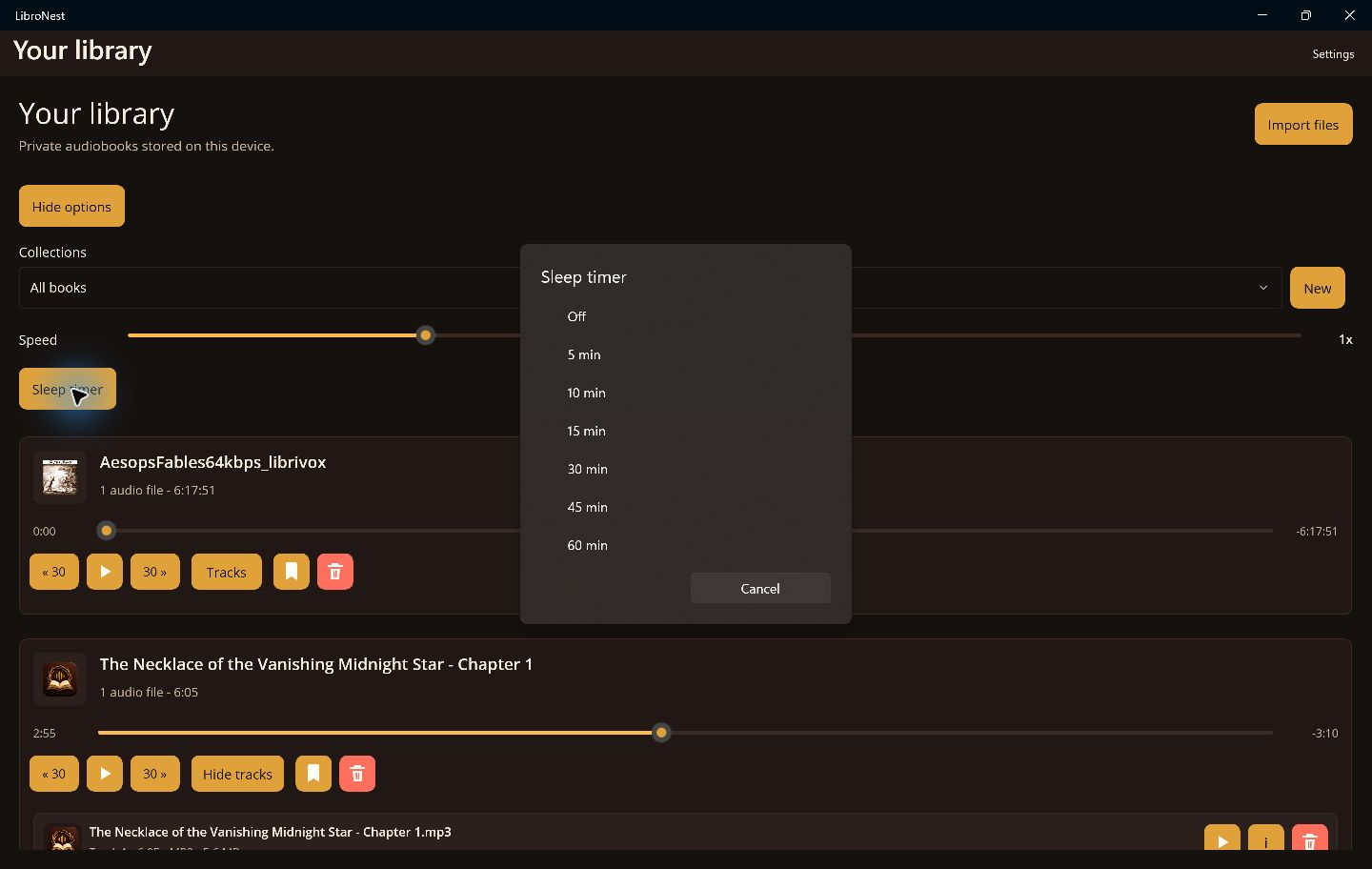
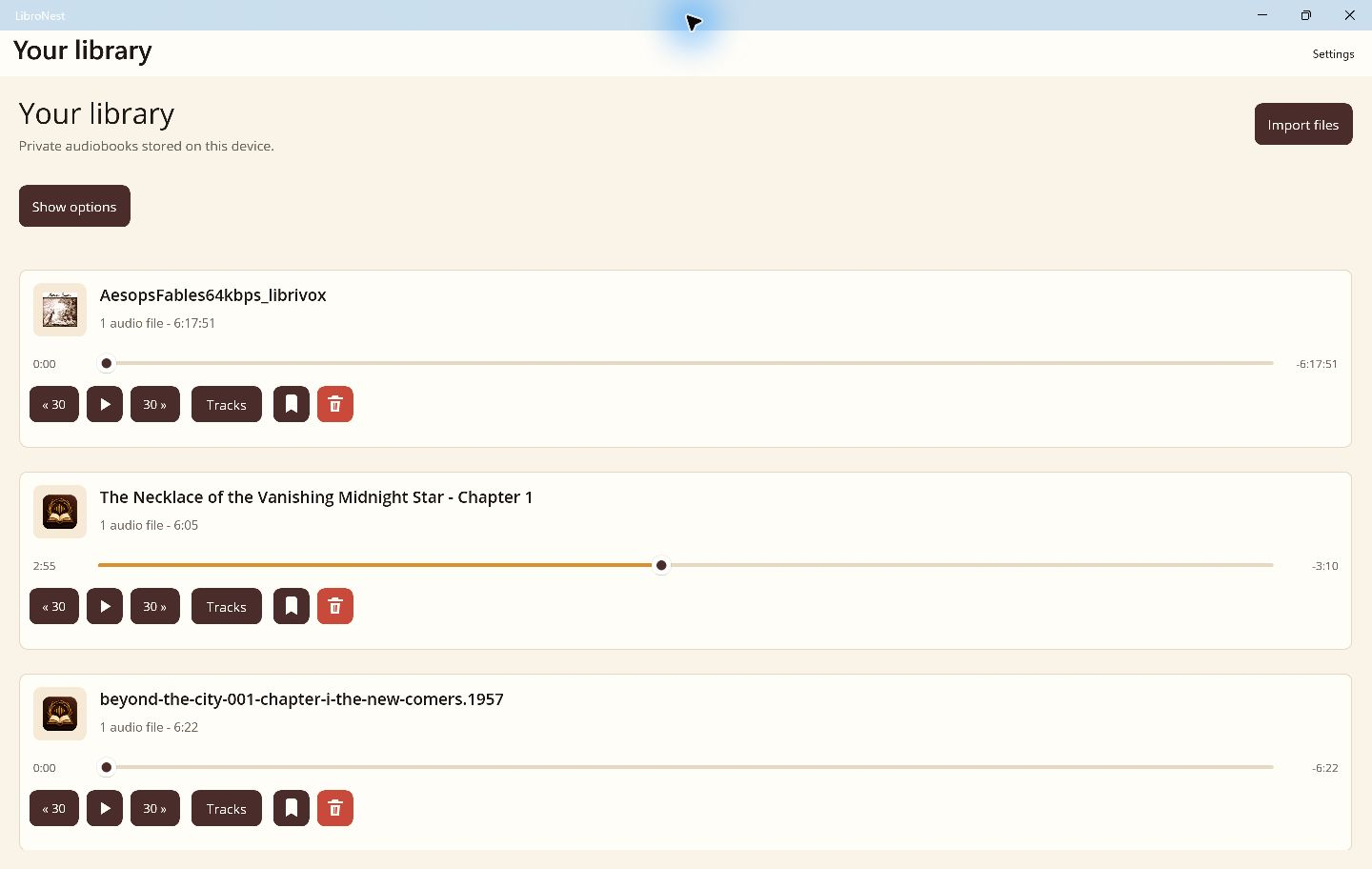
Private audiobook library
Bring the audiobooks you own. Listen offline, keep your place, and make time for one more chapter.
No account. No ads. Your audio stays on your device.
MP3 · M4B · M4A · AAC · FLAC · OGG · WAV
Bring your own audiobooks. Books are not included. Playback depends on your device and the file codec. Protected AAX and AAXC downloads are not supported.
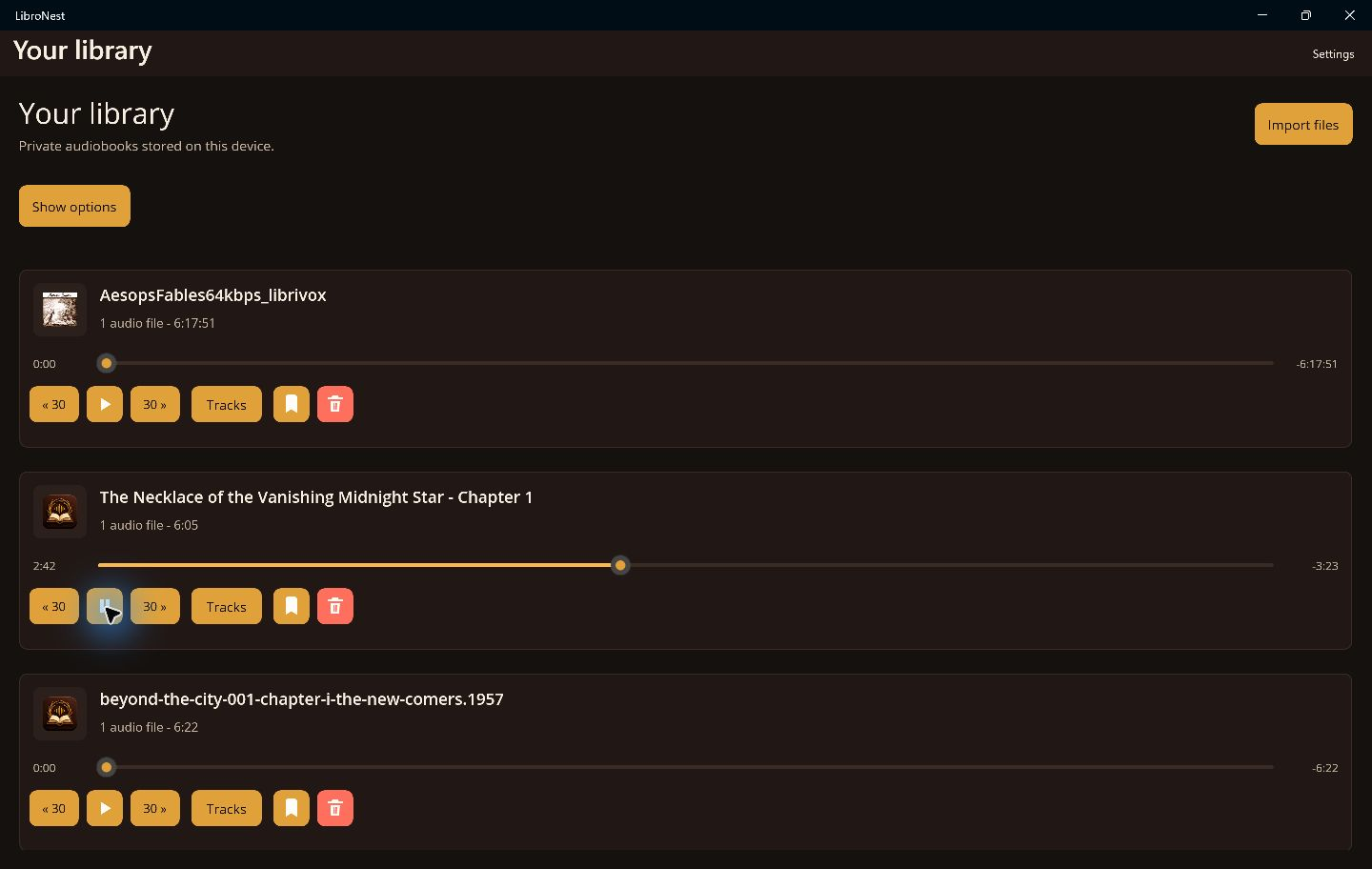
Coming in 1.3.0 for Windows
Listen to your own books, prepare your audio library, and turn reading time into listening time with optional LibroNest Pro.
Windows 1.3.0 is pending Microsoft Store approval. Document narration and the new import flow will arrive with that update. Check each store for the version available on your device.
Turn Word (DOCX), text PDF, EPUB and TXT files into M4B or MP3 audiobooks. Review chapters, preview a voice, and adjust narration speed and pauses before generating on your PC.
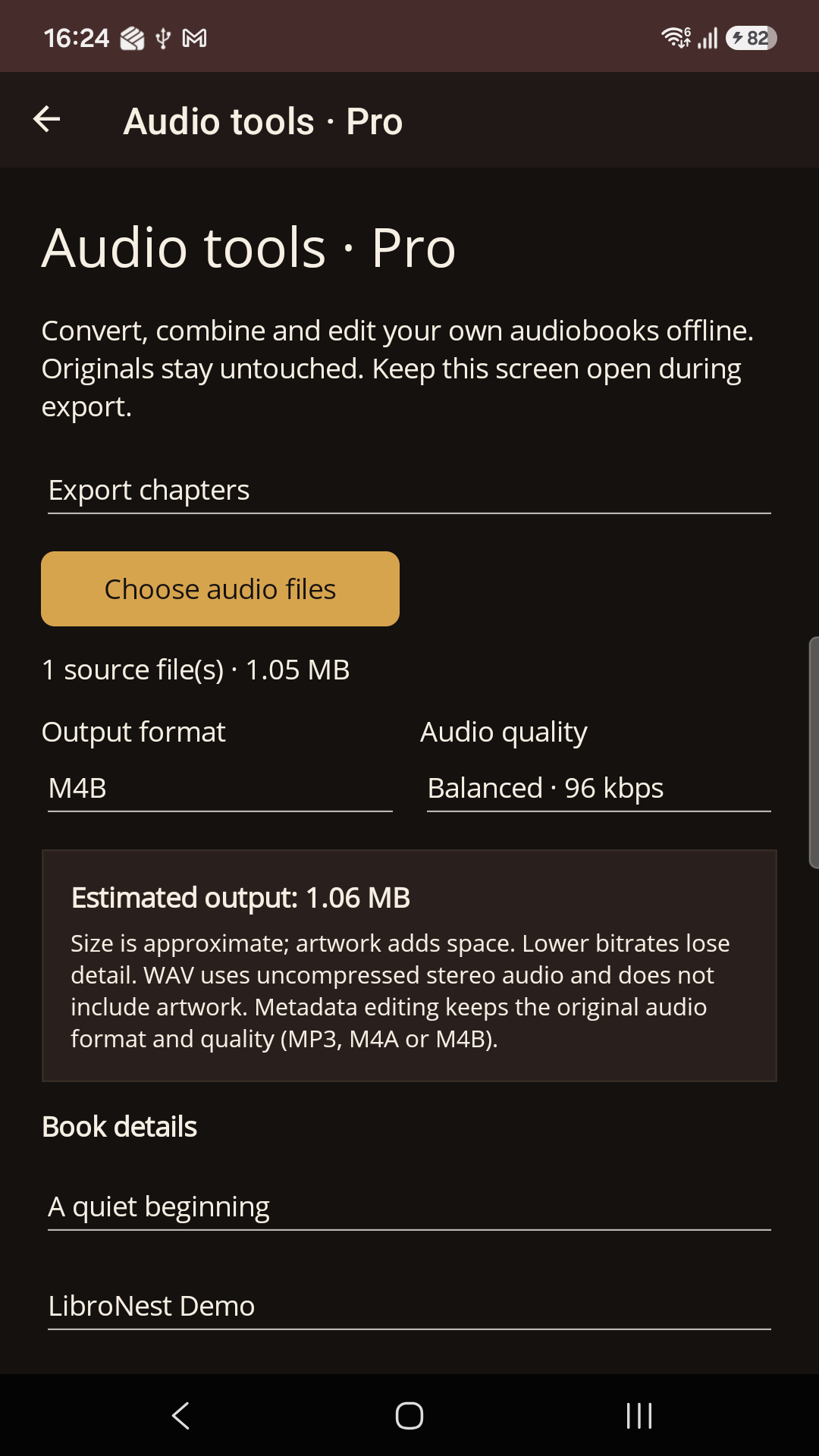
Already in 1.2.0: convert formats, merge MP3 tracks into a chaptered M4B, export chapters or sections, create smaller copies, and edit titles and covers. Originals stay untouched.
Open supported audio files with LibroNest from File Explorer. Review the import, keep a copy, replace a matching track, or start playing a book already in your library.
Narration needs a one-time engine and voice download, then works offline. Keep LibroNest open while generating. Use readable, unprotected documents; scanned PDFs need text recognition elsewhere first. Windows ARM narration requires Windows 11 for x64 runtime support.
Download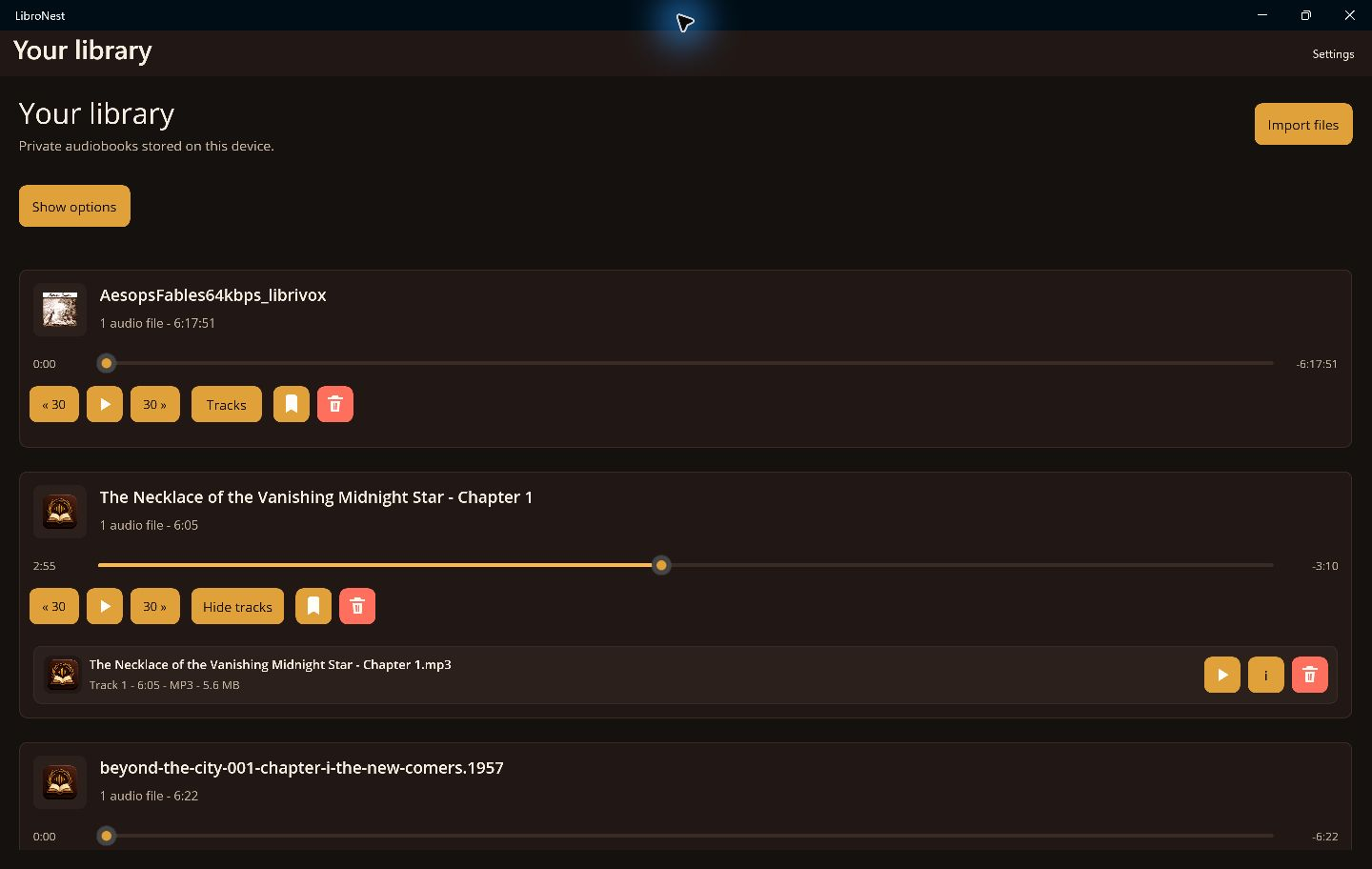
Made for owned audio
Start with a private library and reliable playback. Add more listening tools when you need them.
Select your own audio files and listen without an internet connection.
Return to your saved position, including in books with multiple audio files.
With Pro, save bookmarks and organize your books into collections.
Adjust playback speed and set a sleep timer for free. Pro adds finer controls and personal settings for each book.
Up to 10 books in your library, unlimited tracks, offline playback, saved progress, playback speed in 0.25× steps, and a sleep timer. Your global speed setting is remembered.
Unlimited books, bookmarks, collections and offline audio tools. Pro also remembers speed per book, offers 0.05× speed steps, timer fade-out and end-of-chapter stopping, plus shake to extend on supported Android devices. Document-to-audiobook creation is included on supported platforms after engine setup.
Pro is optional. See your platform store for pricing and purchase terms.
New in LibroNest Pro · 1.2.0
Version 1.2.0 brings five offline audio tools to Windows and Android.
Check Microsoft Store or Google Play for the version available on your device.
Your original files stay untouched and audio stays on your device. Requires Android 7 or newer and a 64-bit device on Android. Bring your own DRM-free audio.
Free Android Auto support
Android Auto is included free. No Pro purchase is required. Browse your imported audiobooks, resume your saved position, and play or pause from your compatible car display. Import books on your phone while parked. Your audiobook playback stays offline, with no LibroNest account required.
Use the latest LibroNest version from Google Play with a phone and car or stereo compatible with Android Auto. Android Auto has separate phone and connection requirements.
Privacy first
Your audio files, library, bookmarks, and listening progress stay on your device. Cloud sync is not required.
Apps
Download LibroNest from the Microsoft Store or Google Play.
On supported 64-bit Android devices, your library, importing books and playback work on Android 6 or newer. Audio tools and audiobook creation require Android 7 or newer. Android Auto has separate requirements.
Support
Email us for product questions, platform availability, or support.
Email: info@libronest.com